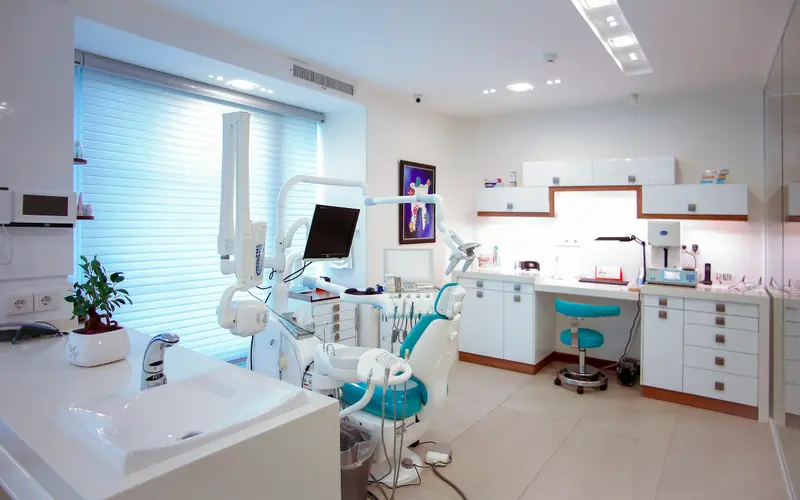
Dental clinic
Treatments, dentists, appointments. Wording within health advertising rules.
Parents search on their phone with the neighbourhood’s name, then look at the daily routine, the classrooms and the teachers before asking to visit. Preschool, nursery or Montessori school: a ready structure for each.
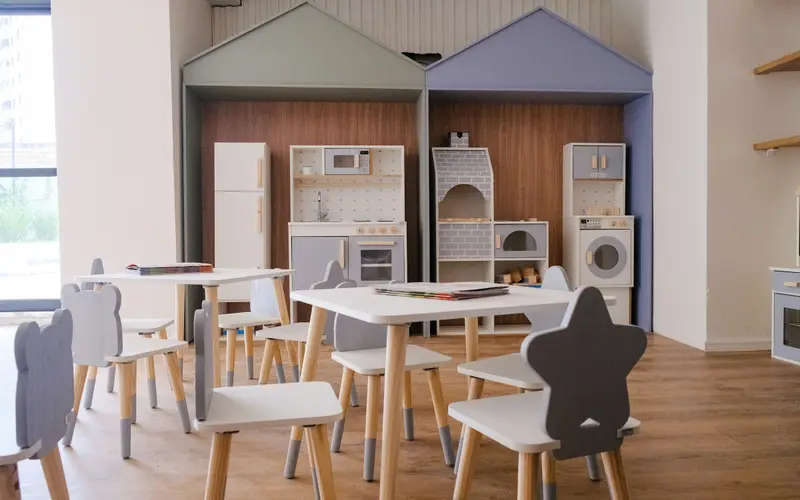
The structure we prepared for this industry. Change the texts and add posts in the site editor.
Click the menu and the buttons: every page opens.
Your notices show here: holidays, a new branch, an offer.
Sample Preschool
Get to know your child’s day, classroom and teacher before enrolling
Our daily routine, classrooms and teachers for the 3–6 age groups are described here; ask for a visit day to walk around the school together.
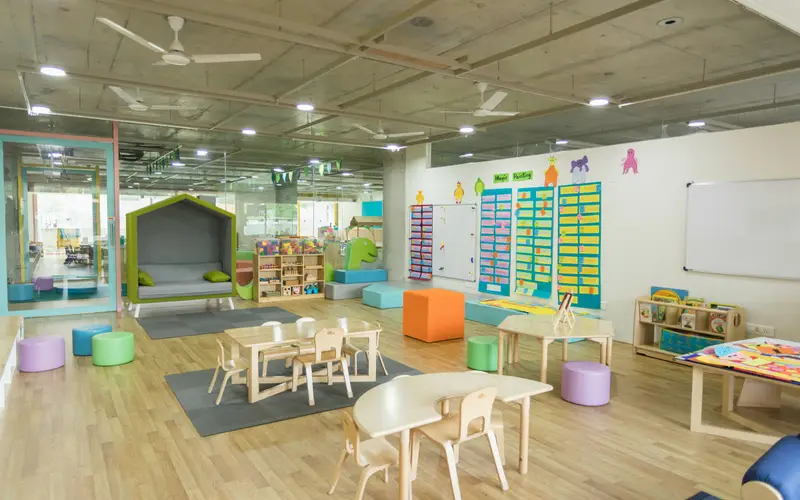
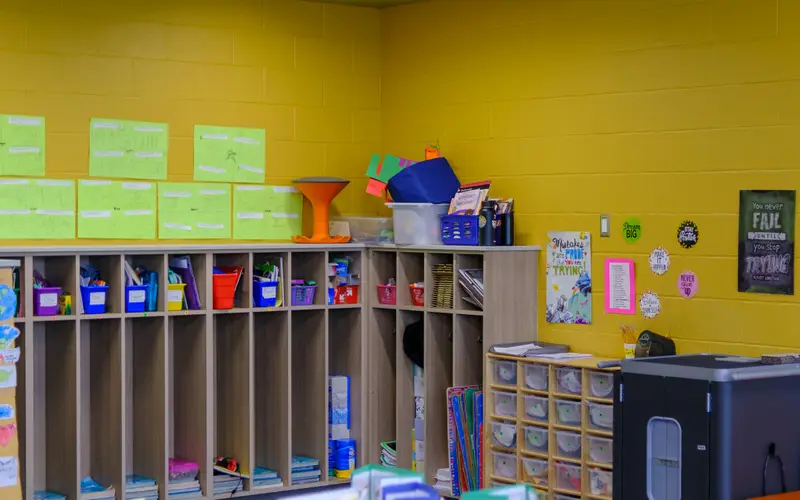
Our school works under a licence from the Ministry of National Education. Classrooms, the garden and the dining room are shown on the visit day; our teachers’ subjects are on the Our teachers page.
How we work
Your phone, WhatsApp and address go here.
Instagram · LinkedIn · YouTube
Sample site: the business name and texts are fictional and are replaced with yours.
Legal basis: Law No. 5580 on Private Education Institutions and the Ministry of National Education’s regulation (preschools); Regulation on Private Nurseries, Day Care Centres and Children’s Clubs (nurseries); Law No. 6698 on the Protection of Personal Data (KVKK).
These notes summarise the rules in force in November 2026 as general information, not legal advice; before going live the texts are checked against your professional body’s current rules.
Each package comes with pages chosen for this industry. Pick one and change it in the builder as you like.
Starter
6 pages
Call bar · WhatsApp button · Map
Business
Recommended10 pages
Call bar · WhatsApp button · Map · Social media links · Announcement bar
Professional
13 pages
Call bar · WhatsApp button · Map · Social media links · Announcement bar · Site search · English version · Site editor
How your site will look on Google and the settings made at set-up, in brief.
How it shows in search results
samplepreschool.com
Sample Preschool | Ages 3–6, Daily Routine, School Visit
Our age groups, daily routine, teachers and monthly menu. Ask for a visit day to see the school, or call us now.
For this industry Parents look for a school near home or work: the Google Business Profile keeps the name as in the licence, and the address and bus areas the same as on the site.
Your site gets Preschool structured data: the school’s name, address, phone, opening hours and age range. A nursery or day care centre uses the ChildCare type.
{
  "@context": "https://schema.org",
  "@type": "Preschool",
  "name": "Sample Preschool",
  "url": "https://yourcompany.com/",
  "telephone": "your phone number",
  "address": {
    "@type": "PostalAddress",
    "streetAddress": "your full address",
    "addressCountry": "TR"
  },
  "openingHours": "your opening hours",
  "hasOfferCatalog": {
    "@type": "OfferCatalog",
    "itemListElement": [
      {
        "@type": "Offer",
        "itemOffered": {
          "@type": "Service",
          "name": "Age groups"
        }
      },
      {
        "@type": "Offer",
        "itemOffered": {
          "@type": "Service",
          "name": "Daily routine"
        }
      },
      {
        "@type": "Offer",
        "itemOffered": {
          "@type": "Service",
          "name": "Meals"
        }
      },
      {
        "@type": "Offer",
        "itemOffered": {
          "@type": "Service",
          "name": "Special activities"
        }
      }
    ]
  }
}The structure is the same, the texts and licence details differ: a preschool works under the Ministry of National Education, a nursery under the Ministry of Family and Social Services. Use "Type of business" on the sample site to see both.
Only with the parent’s written explicit consent. We suggest pictures where no child’s face is seen, such as classrooms, the garden and materials; photos with consent are listed separately.
With the Professional package you add the menu, announcements and events from the site editor; with the others you send them to us.
Treatments, dentists, appointments. Wording within health advertising rules.

Check-ups and vaccines, surgery, the vets, appointments. Plain wording for pet owners.
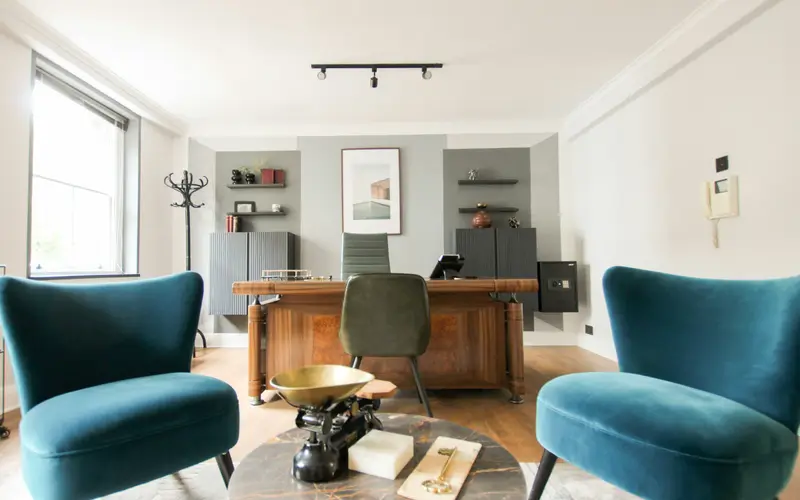
Areas of work, the first session, appointment requests. Private, and within health advertising rules.





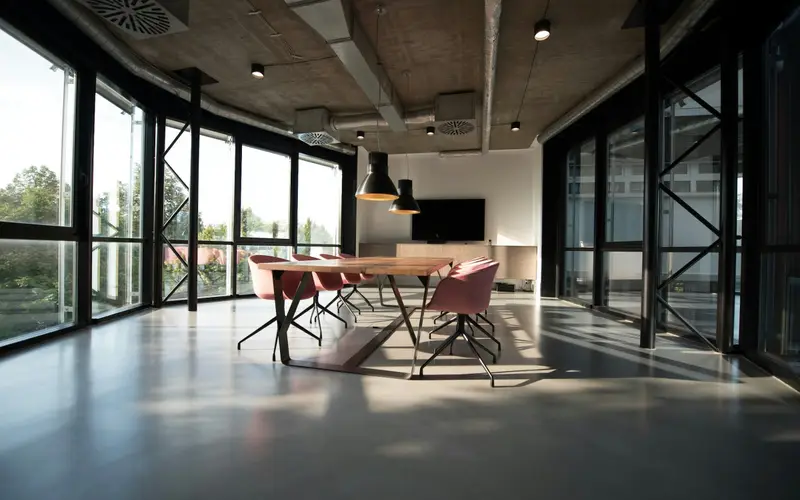
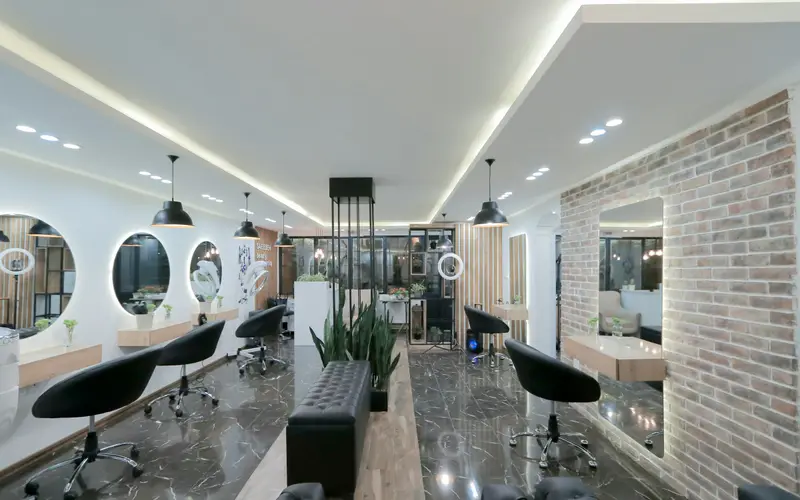

Rooms, photos, booking requests; several languages for foreign guests. For city hotels too.


Programmes, teachers, pre-registration, announcements. For tutoring centres, language schools and driving schools.
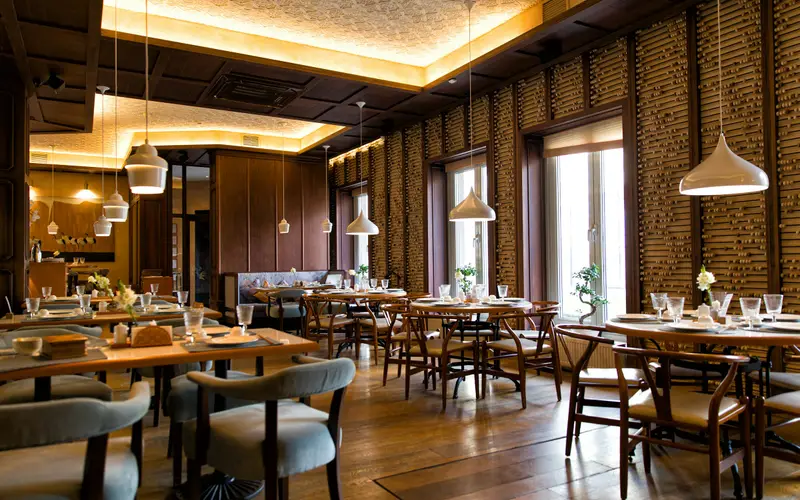
A menu that opens fast on a phone, opening hours, table bookings, directions.
Consultant, architect, trainer or freelancer: your services, your work and bookings under your own name.
Call or write on WhatsApp to plan your site together.